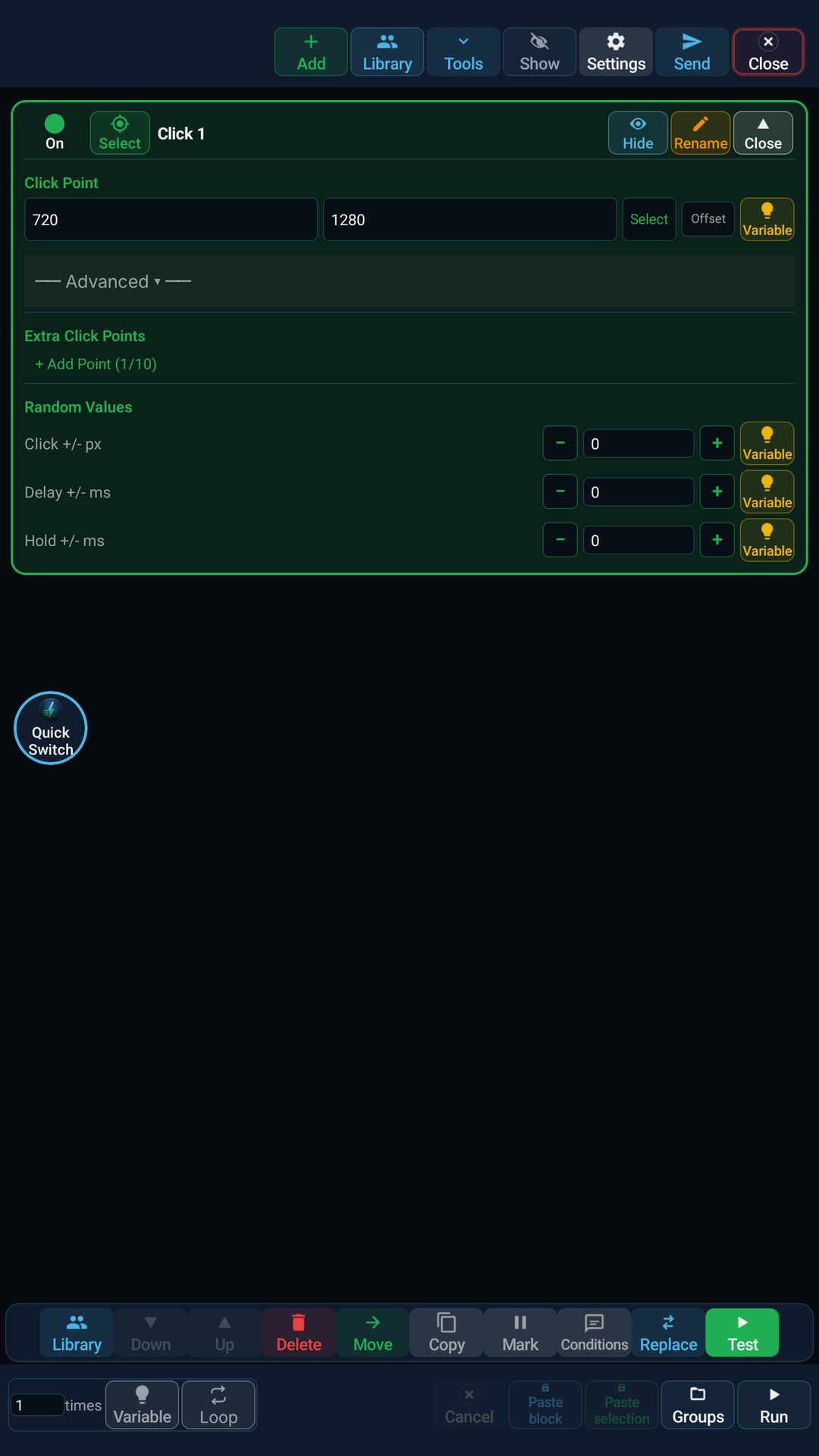
Find an image and tap it on Android
Make a button follow an image match, even when it moves inside the search area.
1. Capture a tight template around the button. Leave out changing text, clocks and animation.
English UI · 1.0.62Block Preview
Captured directly from the Visual Builder block card in the English app UI.
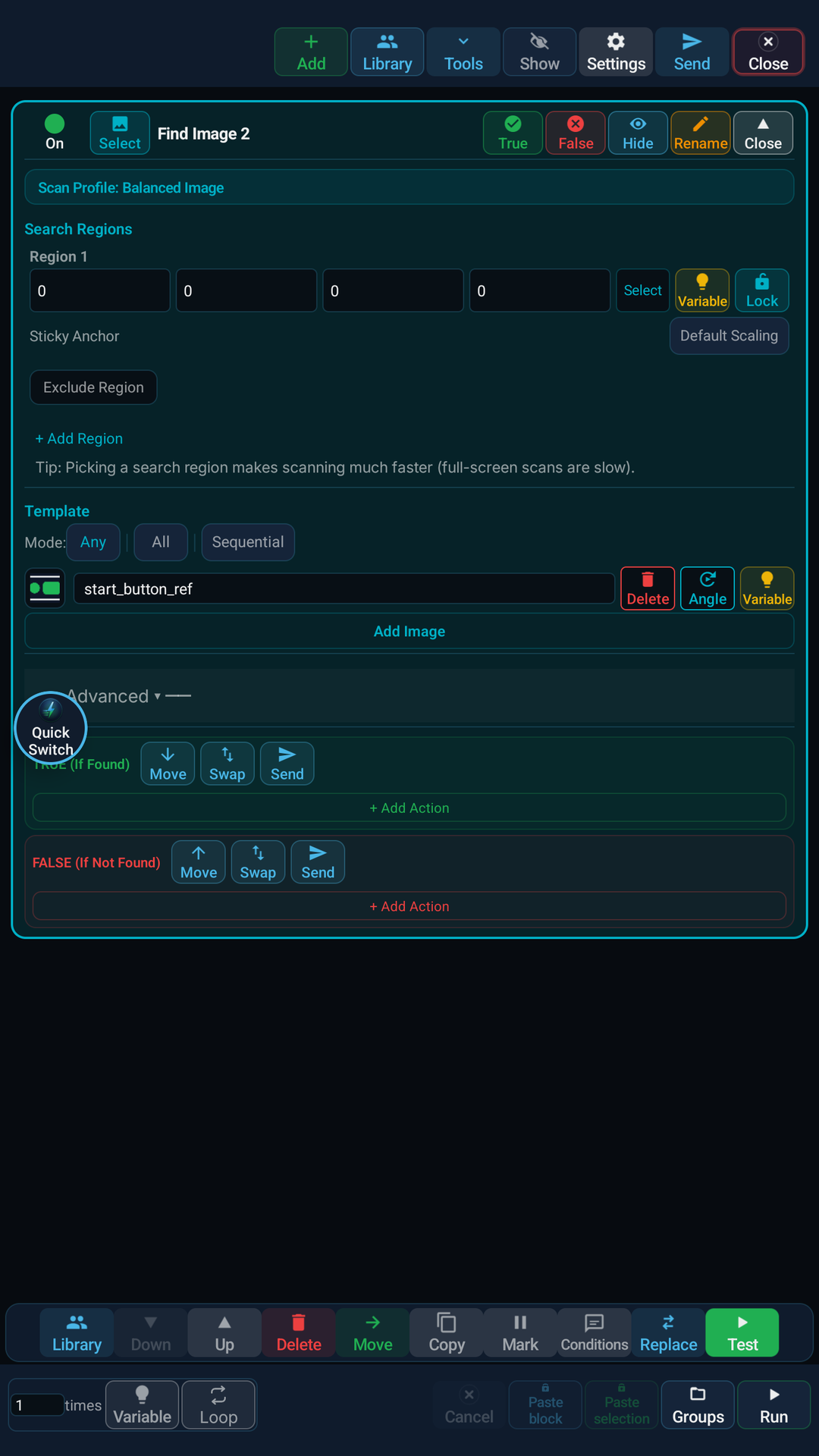
2. In the Image block, draw a region that includes the places where the button can appear. Put the Click action on the found branch and choose the match as its target.
English UI · 1.0.62Block Preview
Captured directly from the Visual Builder block card in the English app UI.
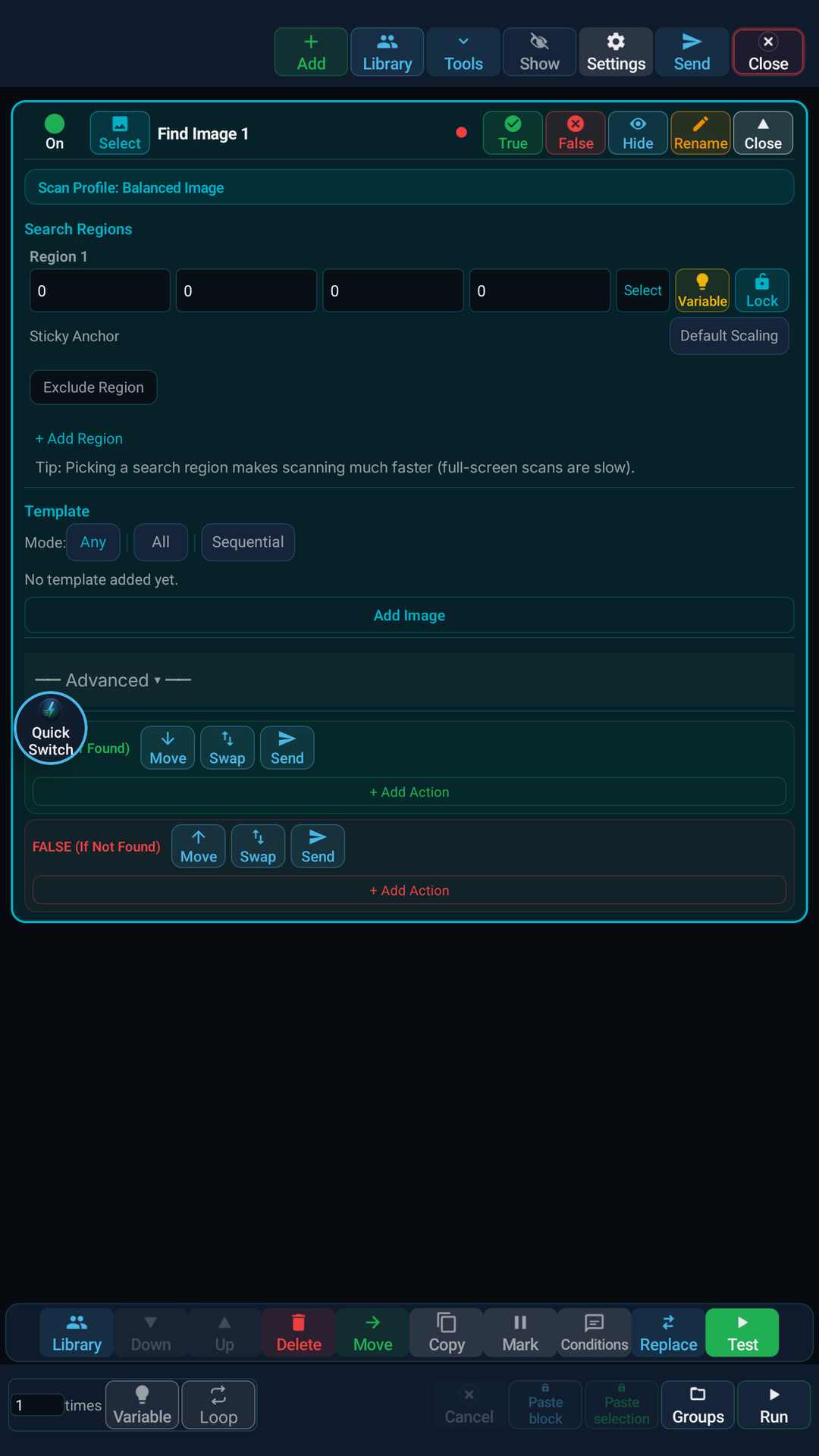
3. Test once with the button visible, then cover it and test again. Only a successful match should tap.
English UI · 1.0.62Block Preview
Captured directly from the Visual Builder block card in the English app UI.