Create an Android macro without coding
Build a short, repeatable sequence and check it before turning on repetition.
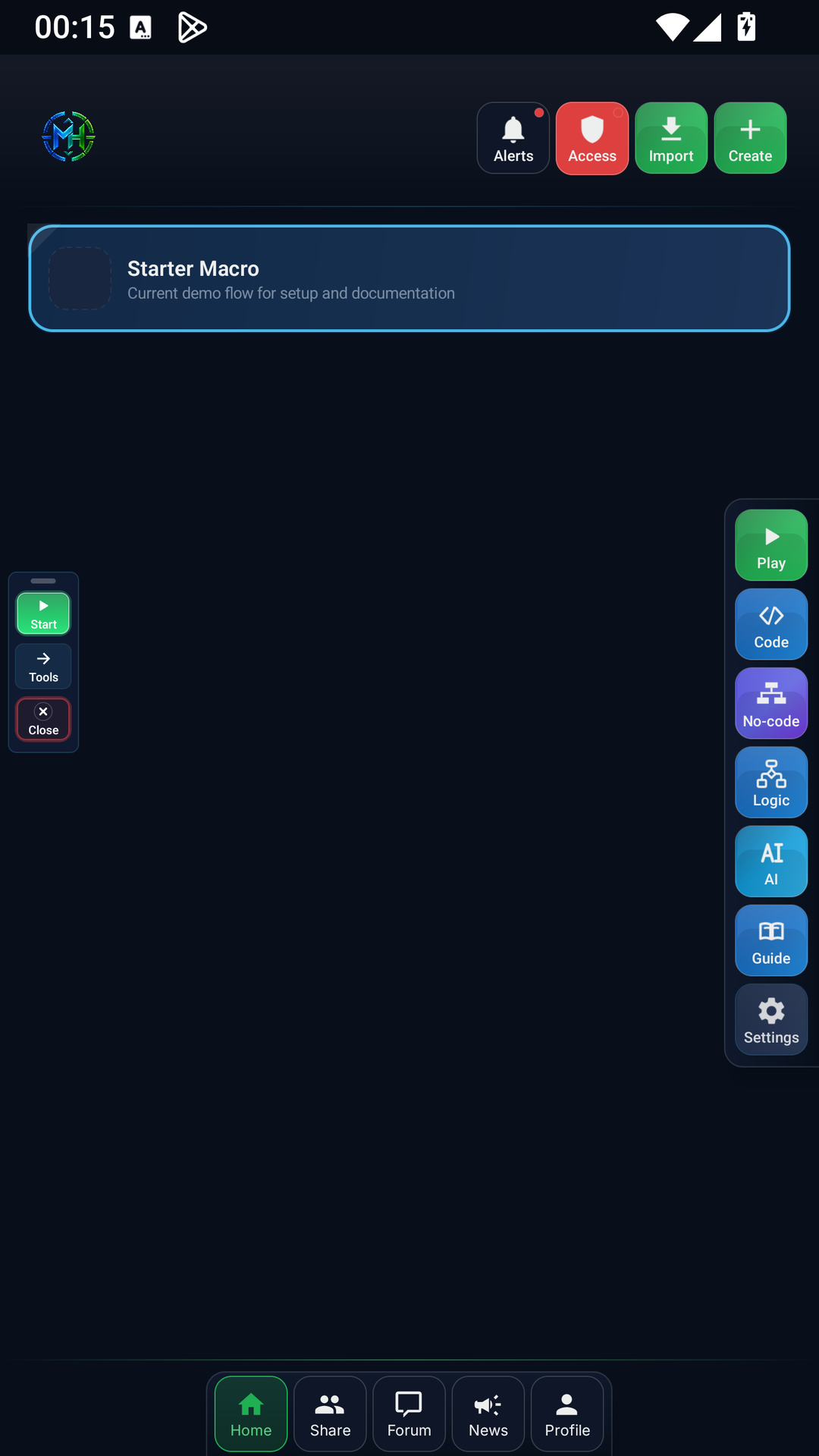
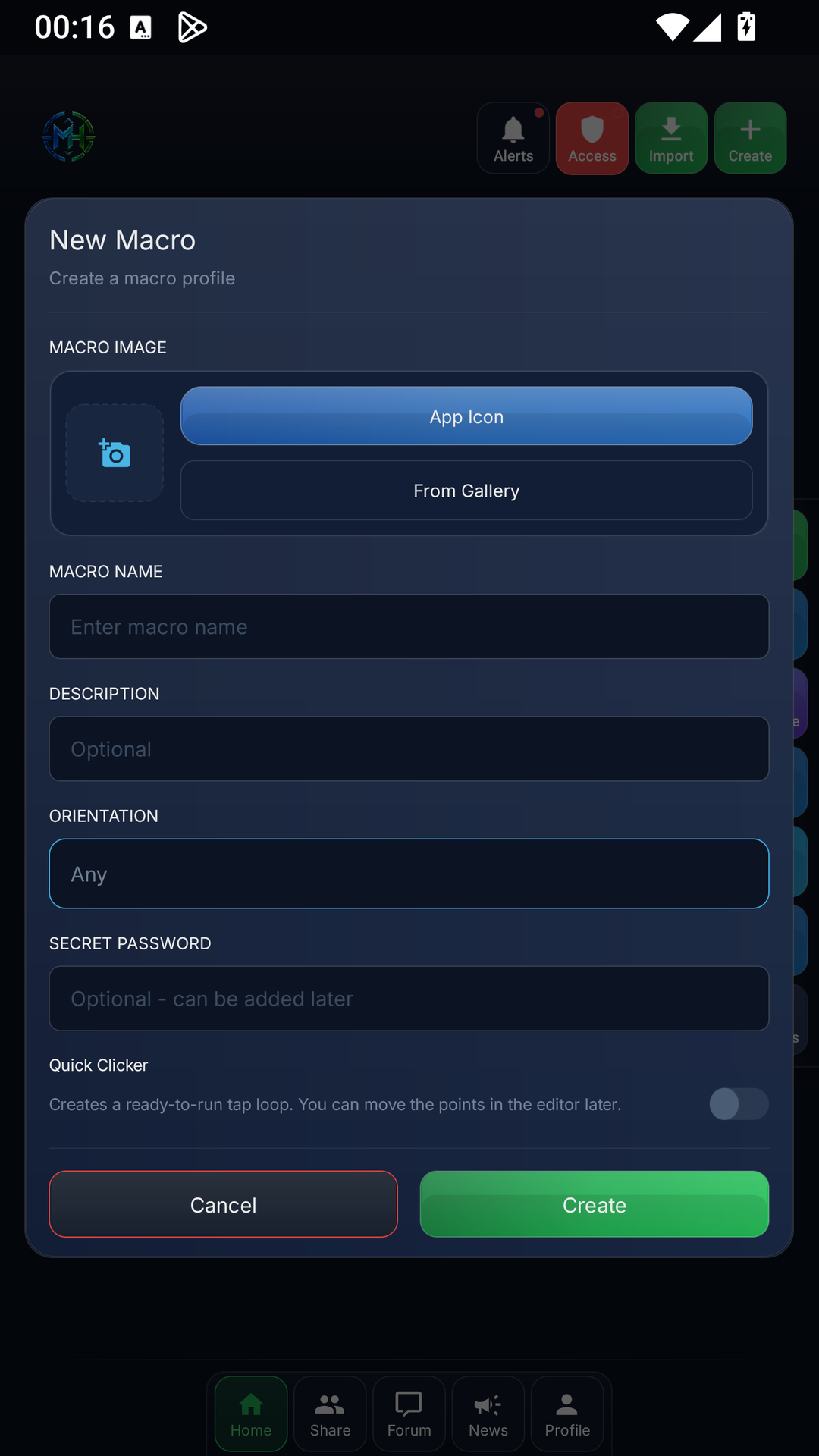
1. Create a macro on the home screen, give it a name and open the No-Code Workspace.
English UI · 1.0.62Block Preview
Captured directly from the Visual Builder block card in the English app UI.
2. Add a Click block and pick a harmless target. Add Wait after it to give the next screen time to appear.
English UI · 1.0.62Block Preview
Captured directly from the Visual Builder block card in the English app UI.
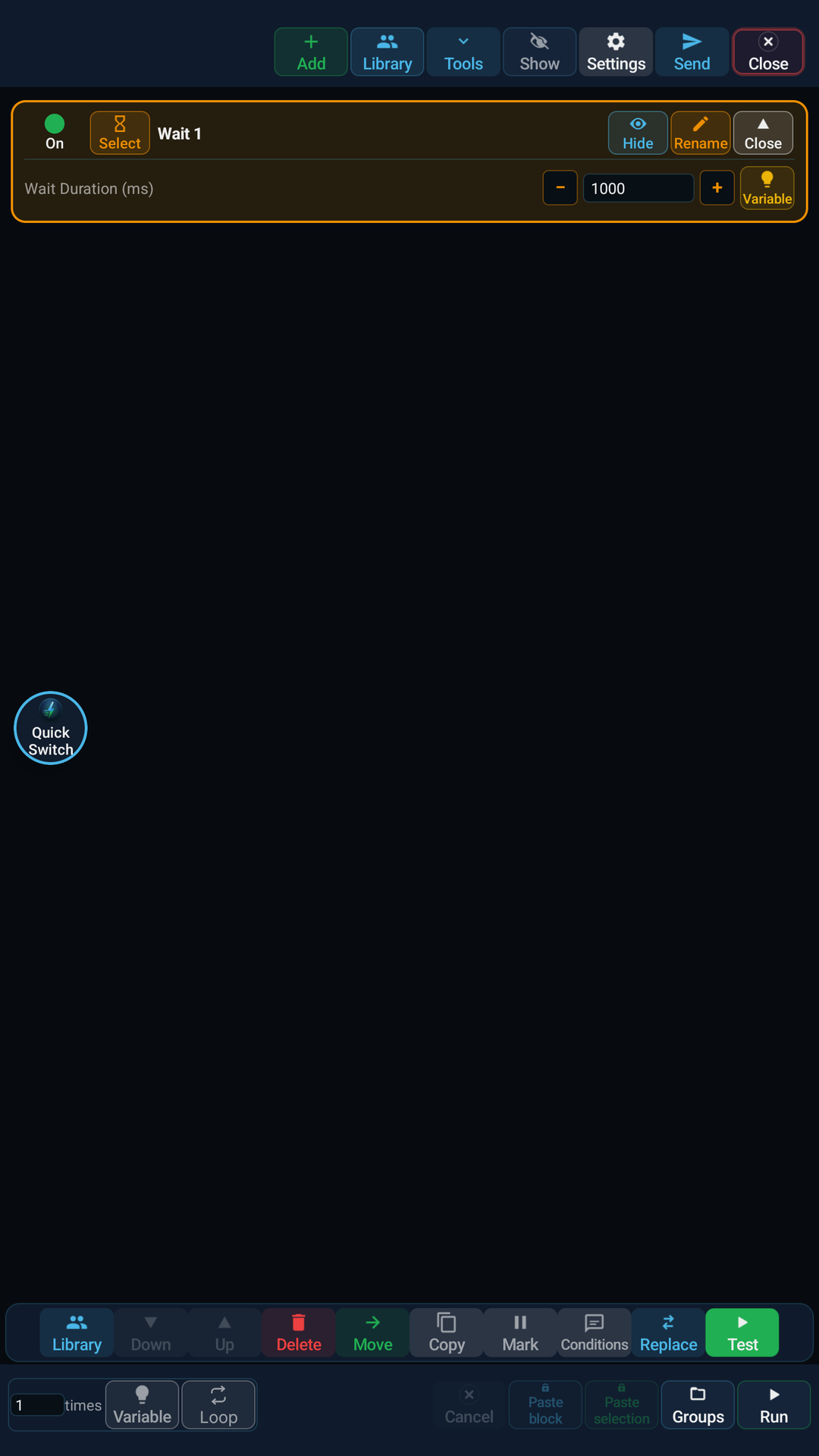
3. Test one run in the target app. Check the order and the wait time, then set the repetition count you actually need.
English UI · 1.0.62Block Preview
Captured directly from the Visual Builder block card in the English app UI.