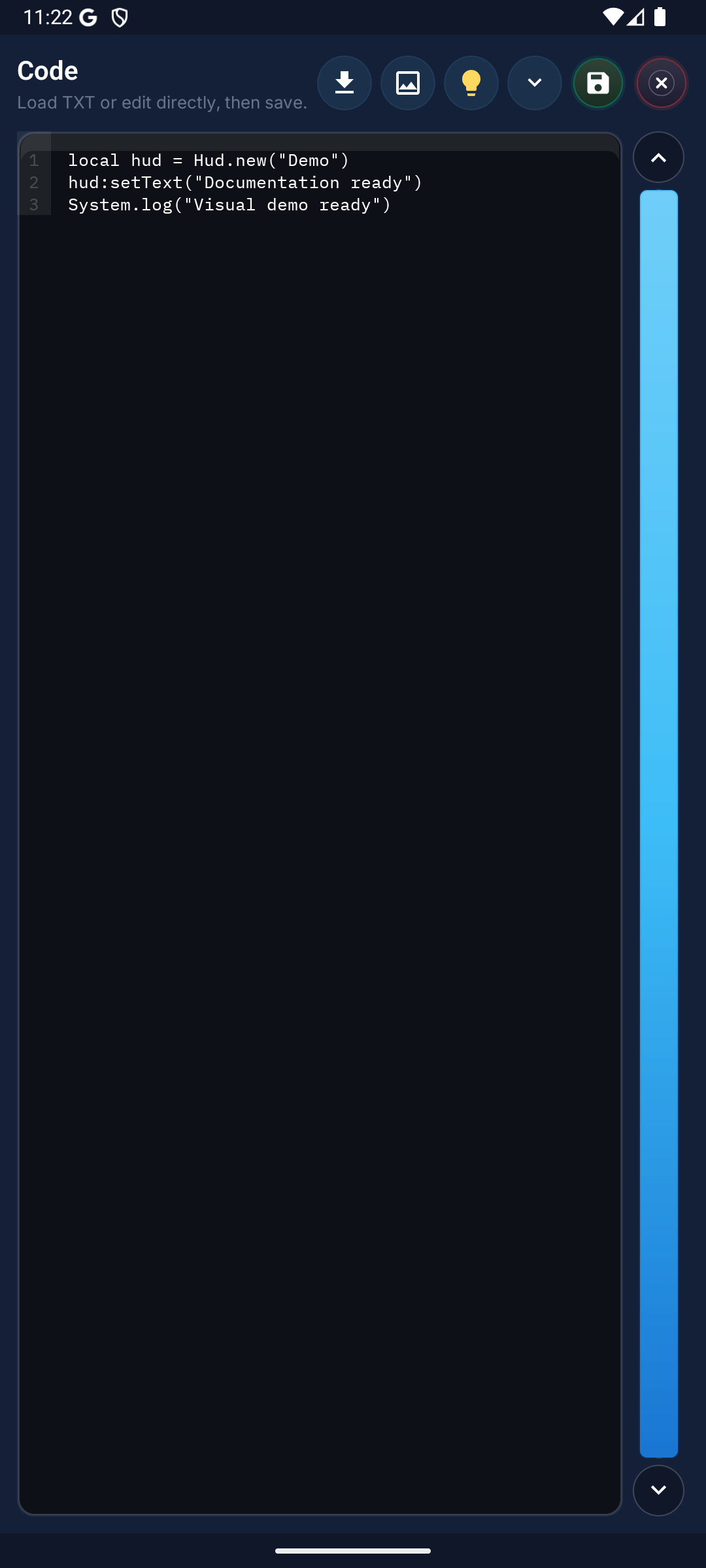
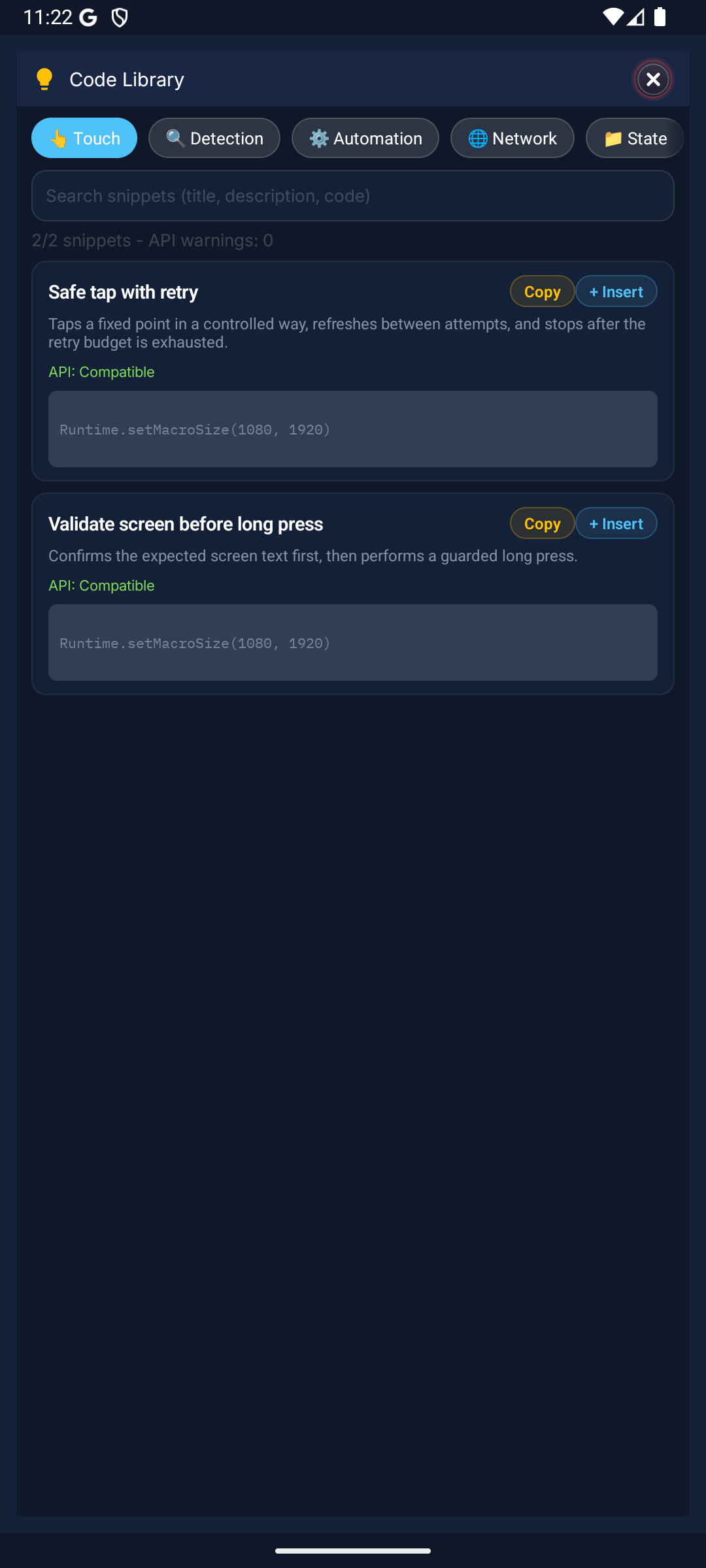
Macro Handler offers 600+ API methods on the default launch Lua runtime. Each category addresses a different automation need. Lua 5.4.8 native runtime remains experimental until the cutover gate passes.
Detection
Region, Asset, Color, Snap
Image, color, and template scanning on screen. Asset matching, multi-result finding, and similarity settings. Snap the screen with Snap.screenRefresh(), define scan area with Region, and search for targets with Asset.image().
Snap.screenRefresh()
local r = Region()
local hit = r:find(Asset.image("btn"))
Go to Docs →Automation
Touch, Point, click, quickTap, swipe
Tap, click, swipe, and multi-touch gesture controls up to 10 fingers. Use quickTap() for single tap, swipe() for swiping, and Touch.down/move/up for custom gestures.
quickTap(Point(540, 960))
swipe({GesturePoint(Point(100,500), 0, 0), GesturePoint(Point(900,500), 0, 300)})
Touch.down(Point(540,960), 0)
Go to Docs →UI
Hud, Setting, Dialog
On-screen HUD panels, user settings dialogs, and notification messages. Show info on screen with Hud, collect user input with Setting.builder(), and display short messages with toast().
local hud = Hud(10, 10, 260, 50, false)
hud:setText("Running...")
hud:show()
Go to Docs →System
System, File, Clipboard
File read/write, clipboard access, device info, and system commands. Get timestamp with System.currentTime(), handle files with File, and read/write clipboard with Clipboard.
local t = System.currentTime()
File.write("log.txt", "data")
Clipboard.copy("copied")
Go to Docs →Network
Request
Connect to external APIs and exchange data via HTTP GET/POST requests. Fetch data from remote servers, send webhooks, or integrate with external services.
local res = Request.get("https://api.example.com/data")
local req = Request("https://api.example.com/webhook")
req:setBody("{\"ok\":true}")
local posted = req:post()
Go to Docs →Time
DateTime, TimeSpan, Stopwatch
Date formatting, duration measurement, timer management, and delay handling. Measure operation times with Stopwatch, get date/time info with DateTime, and add delays with wait().
local sw = Stopwatch()
sw:start()
wait(1000)
local ms = sw:elapsed()
Go to Docs →Data
File, Str, Num, Map, Clipboard
File read/write, string manipulation, number operations, and key-value data structures. Process text with Str, convert numbers with Num, and store persistent data with Map.
local s = Str.split("a,b,c", ",")
local n = Num.toInt("42")
Map.set("score", 100)
Go to Docs →Parameters
FindParam, ClickParam, SwipeParam, PlayParam
Fine-tune template, find, color, swipe, and region parameters in detail. Override default behaviors to adjust search sensitivity, swipe speed, and color tolerance.
local fp = FindParam.mScore(0.85):timeout(3000)
local sp = { repeatCount = 2, delayMs = 150 }
r:find(tpl, fp)
Go to Docs →License
License, Version
License validation, expiration checking, and version info querying. Add license checks when distributing your macro to prevent unauthorized usage.
if not License.isValid() then
  toast("License invalid!")
  return
end
Go to Docs →